Setting group
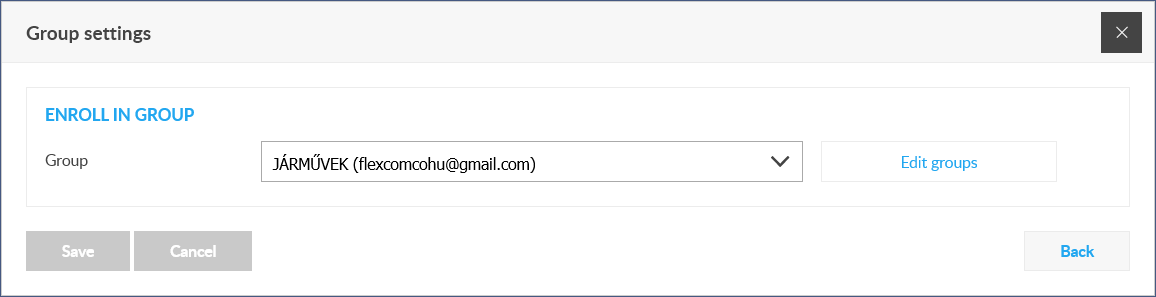
You can group devices, improving their visibility both in the Tools menu and on the map. Device groups must be created separately under System Settings / GPS Devices / Register GPS Groups. You can classify the device into an existing group using the following form:
Group
From the list, you can specify which group you want to assign the device to.
Edit groups
If you need to change the data of a group or create a new group while classifying the device, you can enter the GPS group registration function by clicking the Edit groups link.