Device settings for the tracking application
The basis for tracking devices and correctly returning the appropriate information is to record device data. Accordingly, the system registers the registered devices, their identification and descriptive data and other data necessary for their operation per user.
The management of the records is partly the responsibility of the Service Provider and partly of the user. The Service Provider is responsible for the registration or removal of the devices, the setting and maintenance of the technical parameters of the devices; and the handling of additional, typically descriptive data is the responsibility of the user. In the tracking application, the setup functions of each device ensure that the latter are performed.
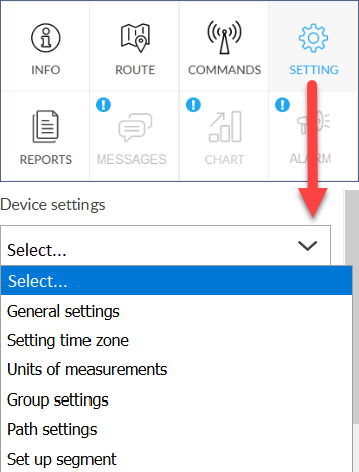 |
To view or change device settings, follow these steps:
Possible settings
|