Select device
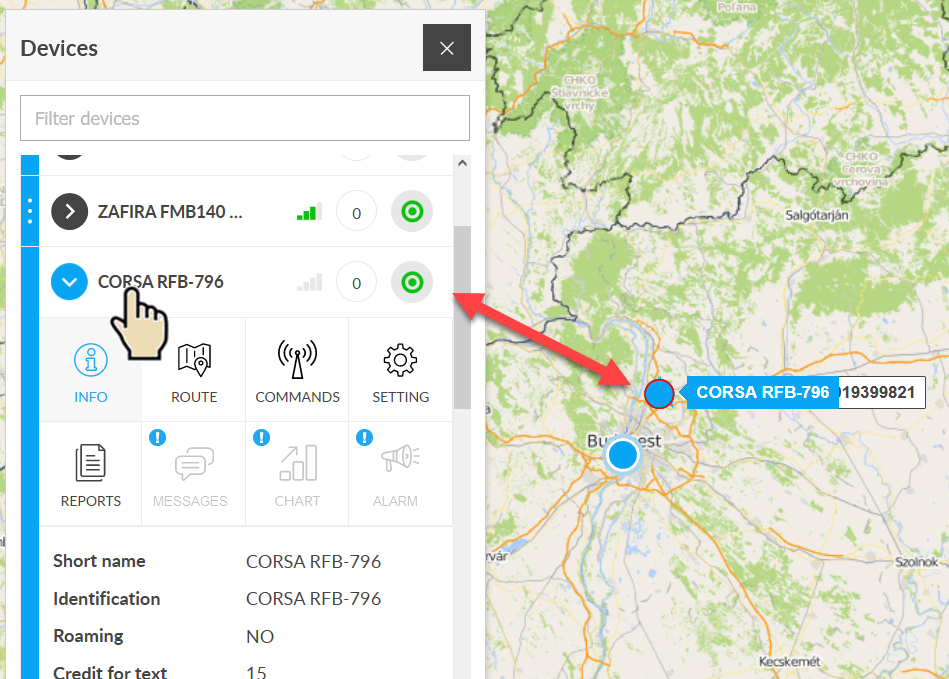
One of the basic services of the system is the complete provision of data from each device. To do this, we need to select the device in question and then activate the function we need. The selection can be made in the Device menu or on the map - the result will be the same in both cases.
| Select a device from the Device menu | Select a device on the map |
|---|---|
|
The selection in the Device menu is usually used when you do not have or find it difficult to find the device on the map.
Steps:
|
Map selection is the most natural and easiest - provided you see the device you’re looking for on the map in front of you.
Steps:
|
Additional features
The functions related to the selected device can be accessed using the icons above the data sheet that opens in the Device menu.
- Messages
- Alarms
If one or more of the icons are grayed out and cannot be clicked, the feature is not available for that device.
Deselect device
If you click on the name of the selected device in the Device menu or icon on the map again, the selection is canceled: the map selection disappears and the data sheet is closed.