Select map type
The map is the primary, most comprehensive and comprehensive tool for tracking. With the help of the map, we get information about the location or movement of our devices in pictorial and textual form. When using the map, you can select different map types, move the selected map, and zoom in or out.
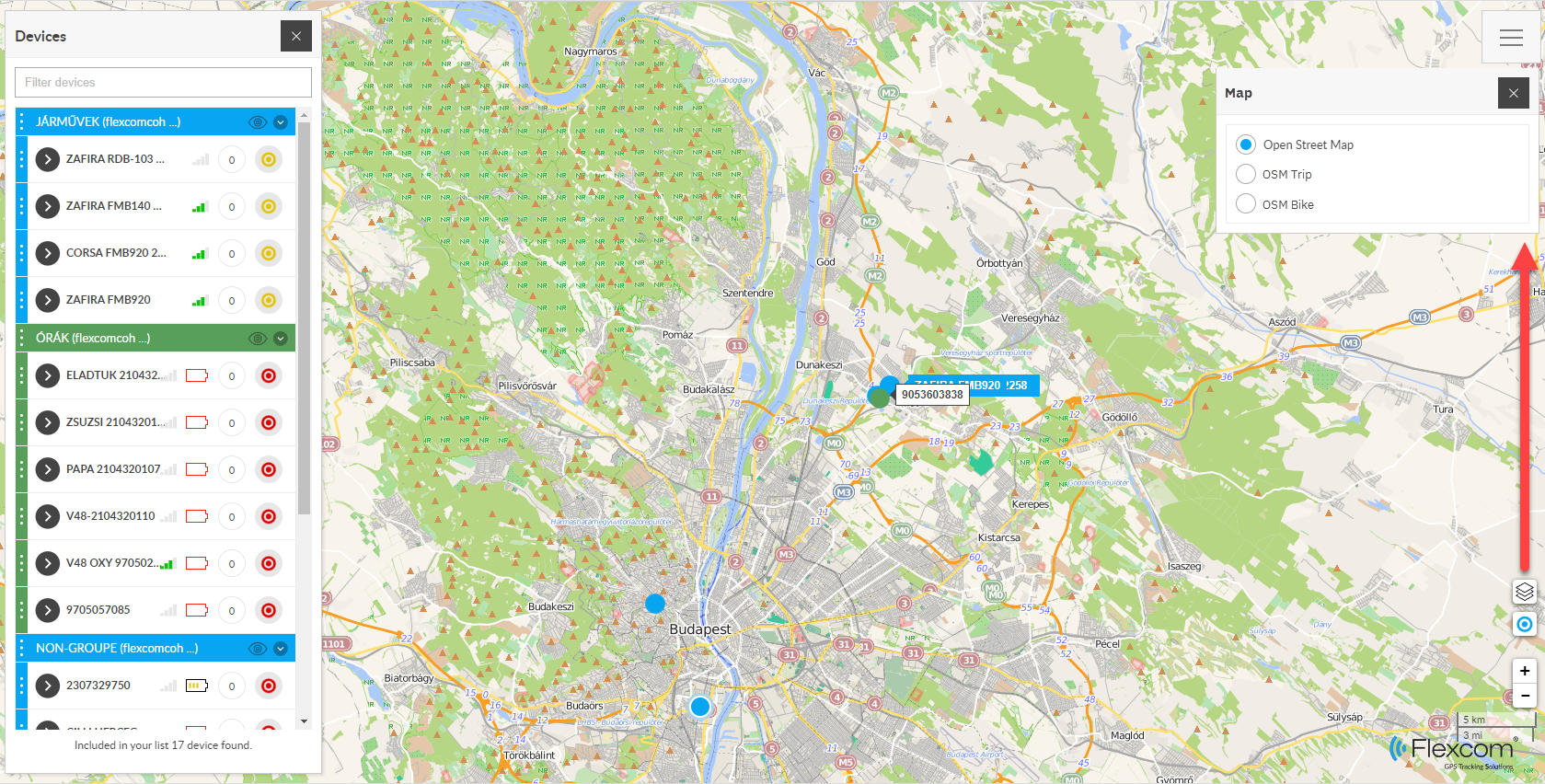
Selection steps
- In the upper right corner of the map, open the System menu (), and select Map.
- Click on the type of map you want to use in the list.
- The system then switches to the selected map type.
- You can close the map menu.
The use of light gray map types in the list is only possible by individual agreement.