
Felhasználói eszközök
Enter time on clock
By tapping in the time input field, a panel appears to help you enter the hour and minute.
Version 1
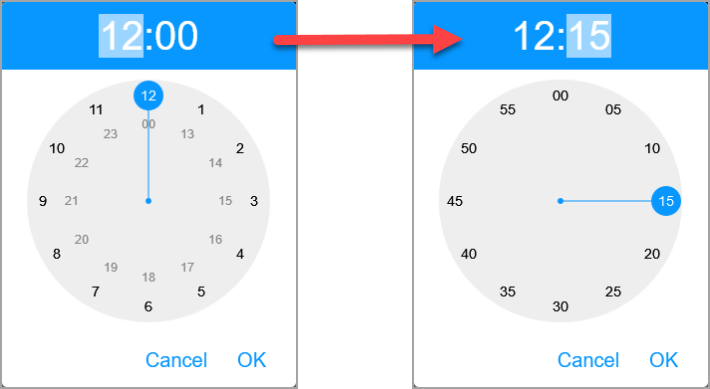
The clock can first be set on the panel by selecting the desired number (1-12 in the morning, 13-00 in the afternoon). After entering the hour, the panel switches to the minute input page, here we also select the appropriate value. You can see the set time at the top of the panel. To return to entering the hour, tap its numeric value here. The time can be entered with the Ok key in the related field, the operation can be canceled with the Cancel key.
Version 2
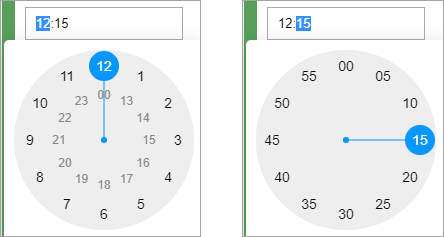
In this version, the hour or minute setting page is displayed depending on the selection of one of the time: minute data in the time input field. Selecting the desired value also results in entering it in the field.
Nyomkövetés könnyen és hatékonyan


