
en:software:desktop:manual:poi:poi-modify
Modify POI
To edit the details of an existing POI, you must first select it in the POI panel and then edit your details in the profile. The POI can be selected on the map (left-click on the marker) or in the POI menu of the system menu, also by left-clicking on its name in the list.
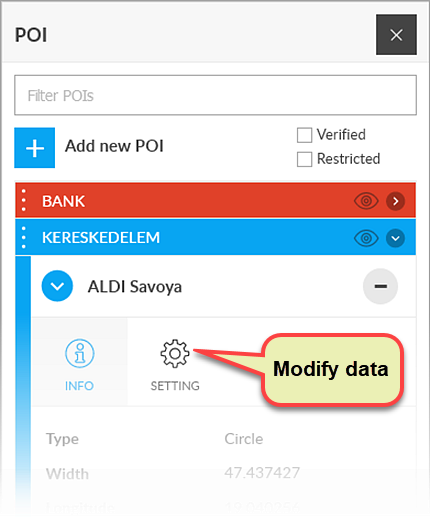
The data and functions of the selected POI are displayed in the POI panel. Clicking the Setup icon opens the modification data sheet.
Tracking easily and efficiently
Flexcom Communication Ltd. - All rights reserved


