
Manage inactive POIs
When using POIs (see POIs), you can not only create but also delete POIs from your register. When you delete POIs, they first become inactive and, although they do not appear on the map and in the POI menu, they can be reactivated - or permanently deleted in the Manage Inactive POIs function.
The management of groups of inactive POIs can be found in the System menu (POI). The settings can be made in the following window:
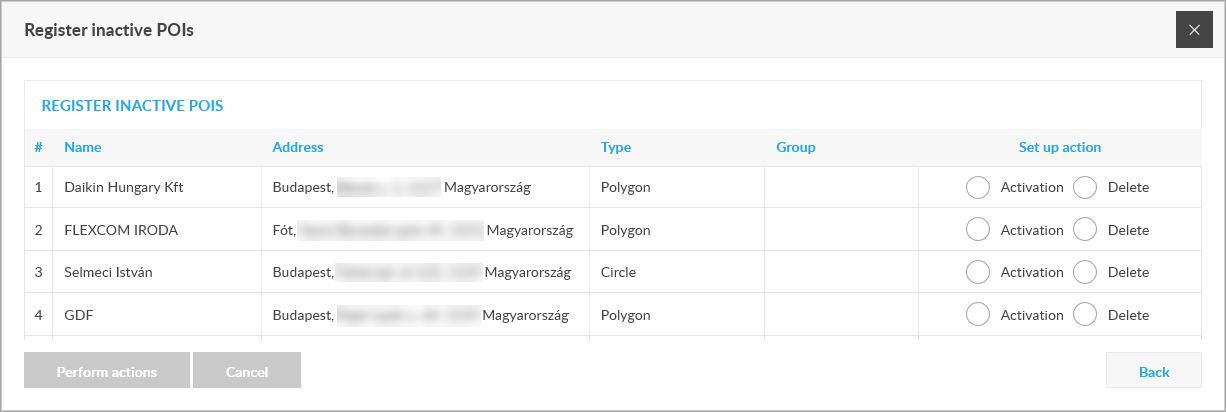
The list contains previously deactivated POIs. In the Configure Action column, you can specify what you intend to do with each POI: reactivate it or delete it permanently. Actions can be set on more than one POI at the same time and then performed with the Perform Actions button.
A permanently deleted POI can no longer be restored unless a POI that contained it has previously been exported.
Tracking easily and efficiently


