
en:software:desktop:manual:device-settings:trail
Path
In the data sheet below, you can set whether the last section of the device's movement is marked by a trail on the map.
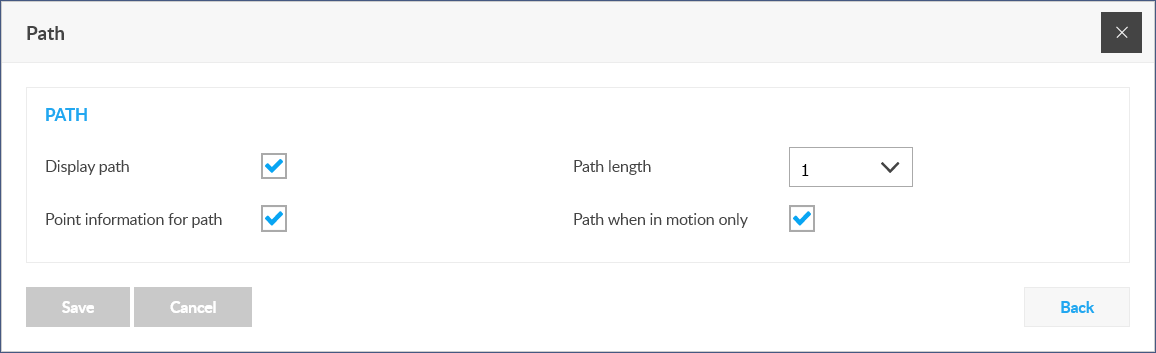
Show path
Turn the route display on or off.
Path length
In case of display, how long the trail should be. By trail length we mean the number of points from which GPS position data was received.
Path point information
It also displays GPS data transfer points on the trail drawn after the device.
Path only on the move
The trail should only be visible when the device is in motion, or even if the device is stationary, the map should show the last section spent in motion.
Tracking easily and efficiently
Flexcom Communication Ltd. - All rights reserved


