
en:software:desktop:manual:system-settings:system-poi-import-1
Importing POIs Step 1
In the POI import step 1, we upload our prepared table, which is checked by the system based on formal aspects.
Steps:
- Start the import function with the System / POI submenu / Import.
- The system displays the panel for uploading the table. Here we enter our Excel file (Browse …) and then click the Upload file button.
- The system uploads the specified file and starts checking it. Once this is done, we will get feedback on the result.
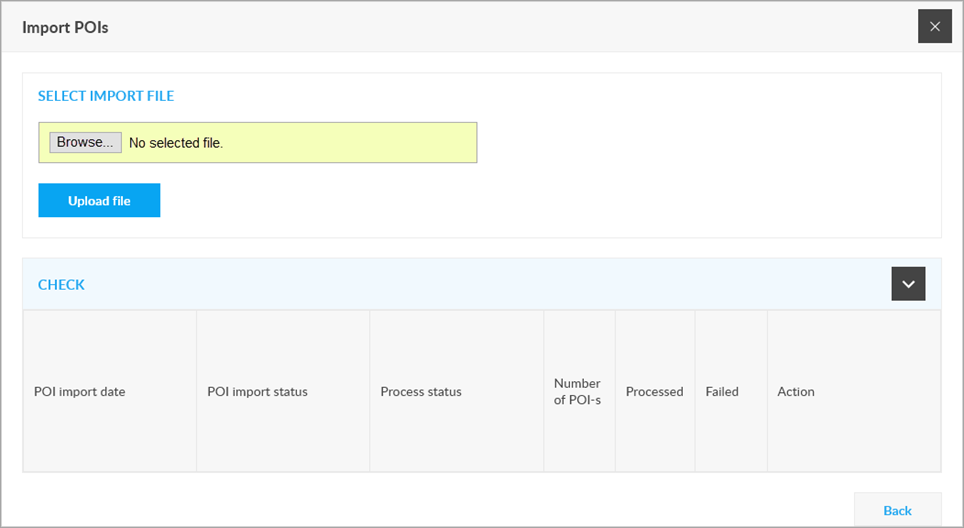
If the system finds errors in step 1, it will display this on the screen and if there was no problem with the uploaded file itself, it will offer to download the error list. It is advisable to accept this - it contains line by line which POI was the problem. After repair, restart the process.
If step 1 does not find an error, the process continues with step 2.
Tracking easily and efficiently
Flexcom Communication Ltd. - All rights reserved


