
en:software:mobile:manual:map-usage:map-info
Information about map points
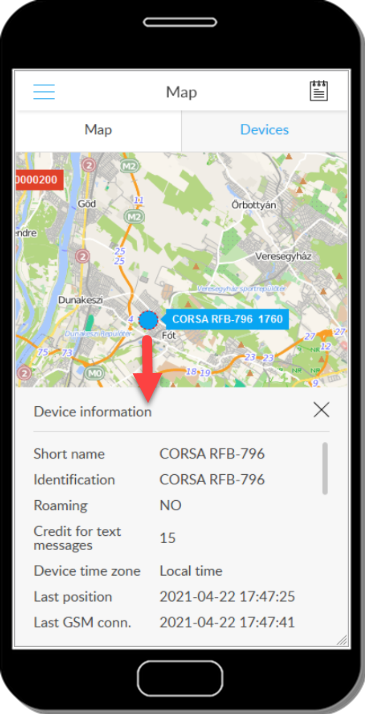
You can get information about any object on the map (device, POI, waypoint, waypoint). To do this, press and hold the object with your finger for longer - the information panel of the object is displayed when you release it.
See also: Information panels
Tracking easily and efficiently
Flexcom Communication Ltd. - All rights reserved


